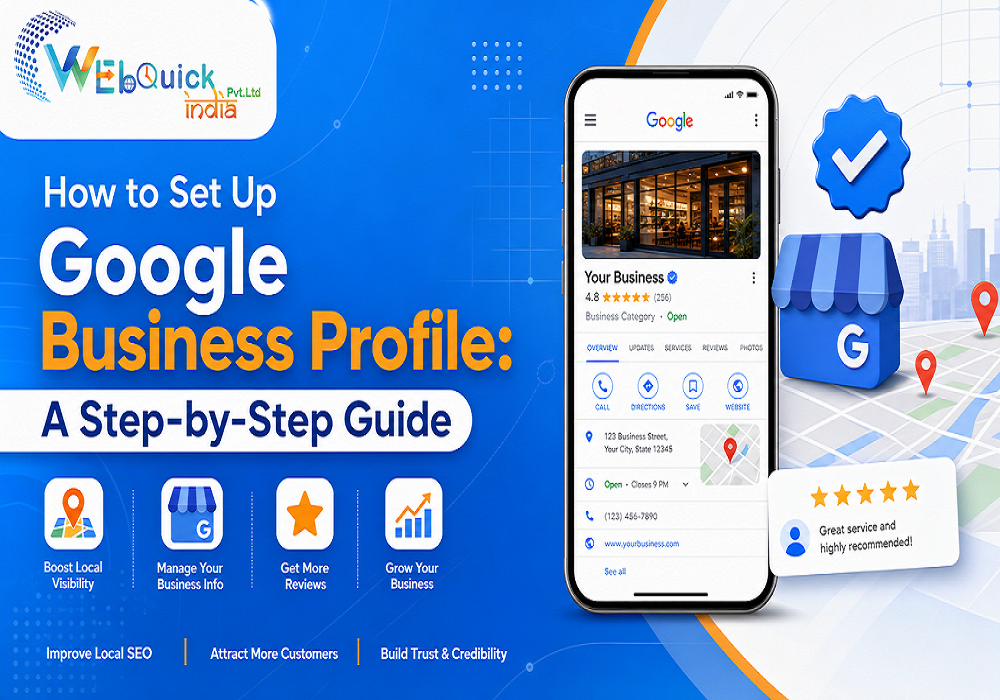
How to Set Up Google Business Profile: A Step-by-Step Guide for 2026
When someone in your city searches for a service you offer, Google shows the closest businesses with their ratings, phone numbers, and directions. If your company is missing from that panel, customers are choosing your competitors by default. This guide explains how to set up Google Business Profile from scratch, so your business appears accurately on Search and Maps. The process takes ten minutes, plus a short wait for verification. At Webquick India, we help local businesses strengthen their online presence every day, and the steps below reflect what we see working in practice.
What Is a Google Business Profile and Why Does It Matter?
A Google Business Profile is a free listing that controls how your business appears on Google Search and Google Maps. It displays your name, address, opening hours, photos, services, and reviews, along with buttons for calls and directions. Google renamed the tool from Google My Business in 2021, which is why many owners still look for a Google My Business setup guide.
For a shop, clinic, restaurant, or agency, this listing is often the first thing a customer sees, sometimes before they ever visit your website. Using a Google Business Profile for small business growth is one of the most cost-effective moves available, because it costs nothing and puts you in front of people who are already searching nearby. A complete, active profile builds trust, drives calls and store visits, and gives Google clear signals about what you do and where you do it.
What You Need Before You Start
Gather these details first so the setup runs smoothly:
-
A Google account you plan to keep long term
-
Your exact business name, as it appears on your signboard and invoices
-
Your full address, or the areas you serve if you travel to customers
-
A working phone number and your website address
-
Your business hours and a short list of main services
-
A few clear photos, including your logo and your storefront or workspace
Keep your name, address, and phone number identical everywhere online. Consistency helps Google trust your information.
How to Set Up Google Business Profile Step by Step
Many owners ask how to create a Google Business Profile for free. The answer is reassuring: Google charges nothing for any of these steps. Follow them in order to create a Google Business Profile listing that is accurate from day one.
Step 1: Sign In and Enter Your Business Name
Search for your business name on Google while signed in to your account, then choose the option to add your business. Type your name exactly as customers know it. Do not add keywords, locations, or slogans, because Google can suspend listings that misrepresent the real-world name.
Step 2: Choose the Right Business Category
Your primary category is one of the strongest signals you send Google, so pick the most specific option available, such as "Digital marketing agency" instead of a broad label like "Company". You can add secondary categories for other services. Spending a few minutes reviewing the available Google Business Profile categories pays off, because a poor choice can keep you out of relevant searches.
Step 3: Add Your Location or Service Area
If customers visit you, enter your street address and confirm the map pin. If you travel to clients, hide your address and list the cities or areas you serve. Accurate location details are how you add your business to Google Maps properly and appear in "near me" results.
Step 4: Add Contact Details and Your Website
Enter a phone number your team actually answers, plus your website address. Choose a number you will keep for years, since changing it later creates mismatches across directories.
Step 5: Verify Your Business
Google needs proof that your business is real and that you own it. Depending on your business type, you may be offered a phone call, text message, email, a video recording, or a postcard mailed to your address. The next section covers this stage in detail.
Step 6: Complete Your Profile
After verification, add opening hours, services, a business description, and photos. Keep the description within the 750-character limit and explain what you do, who you serve, and where. Upload a logo, a cover image, and genuine photos of your team, products, or premises. Also list your services and products individually, and select attributes such as wheelchair access or online appointments where they apply. Complete profiles look far more trustworthy to customers.
Short on time? Webquick India can create, verify, and optimize your listing for you, so you can stay focused on running your business.
Google Business Profile Verification: Common Problems and Fixes
Verification protects customers from fake listings, and it is where most owners get stuck. People often search for how to verify Google Business Profile listings after a first attempt fails. Start by checking that your business name and address match what you entered exactly. If video verification is offered, record a continuous clip showing your signboard, your location, and proof that you operate there. If a postcard is your only option, wait patiently, since delivery can take several days, and never edit your details while it is in transit. Repeated failed attempts may require a support request, and it helps to keep photos of your signboard, business registration, or utility bill ready, since Google may ask for supporting evidence before it approves the listing.
How to Keep Your Profile Active After Setup
Setup is only the beginning. Google favors profiles that look current and trustworthy, so build a small weekly routine. Post updates about offers, events, or new services. Add fresh photos every month. Answer questions that customers leave on your listing. Update your hours before festivals and public holidays, because wrong timings frustrate visitors and invite negative reviews. Ask satisfied customers for feedback through a short message after each sale or project, and respond to every review, positive or negative, in a calm and professional tone. Over time, these small habits show both Google and customers that a real, responsive business stands behind the listing.
Five Mistakes That Undermine Your Listing
These Google Business Profile optimization tips are really mistakes to avoid:
-
Stuffing keywords or city names into your business name
-
Selecting a vague primary category
-
Using different phone numbers or addresses across websites
-
Uploading stock images instead of real photos
-
Ignoring reviews instead of replying politely to each one
Avoiding these errors keeps your listing eligible to rank and protects it from suspension.
Why Let Webquick India Handle Your Profile?
Setting up a listing is simple, but ranking well and staying compliant takes ongoing attention. Webquick India is a Delhi-based digital marketing agency offering SEO, Google Ads, and web development, and our team understands how local search signals work together. We can set up and verify your listing, choose the right categories, write a clear description, organize your photos, and build a review-response routine. Our approach is transparent: we explain each change we make so you always understand what is happening with your online visibility. If you run a business in Delhi or anywhere in India and want a profile that brings enquiries, we would be glad to help.
About This Guide
This guide was prepared by the Webquick India team, drawing on Google's own setup flow and our day-to-day experience helping local businesses with SEO and Google Ads. Google updates its interface and policies from time to time, so if a screen looks slightly different, the underlying steps stay the same: confirm your identity, provide accurate details, and verify ownership.
Conclusion
Now you know how to set up Google Business Profile properly: enter accurate details, choose precise categories, verify ownership, and keep the listing fresh with photos and replies. Start today, because every day without a listing is a day of lost local visibility. Ready for expert help? Contact Webquick India and request a free profile review.
Frequently Asked Questions
Is a Google Business Profile free?
Yes. Creating and managing the listing costs nothing, and there are no hidden charges for basic features.
How long does verification take?
Instant methods, such as phone or email, finish within minutes. Postcards commonly take about a week.
What is the simplest way to list a business?
People type how to list my business on Google when they want exactly this process: sign in, add details, verify, then complete your profile.
Can I set up a Google Business Profile without a shop address?
Yes. If you serve customers at their location, you can hide your address and list the cities or areas you cover instead. Google still needs to verify that your business is genuine.
Why is my business not showing on Google after setup?
The usual causes are incomplete verification, missing details, or a suspended listing. New profiles can also take a few days to appear. Check your profile status and confirm that your name, category, and address are accurate.
 our blog
 Webquick
India
Webquick
India
 30 Oct 2026







 How It works